Give your AI a browser that can reach protected websites
Cloak Biz Scraper is an open-source browser service you deploy yourself. It gives Claude or ChatGPT a remote MCP connection to a patched Chromium browser running through your residential proxy.
Set it up once, then use it for a scheduled business-listing watch or any authorized public page that blocks an ordinary AI browser.
Set up the scraper for AI View the open-source project
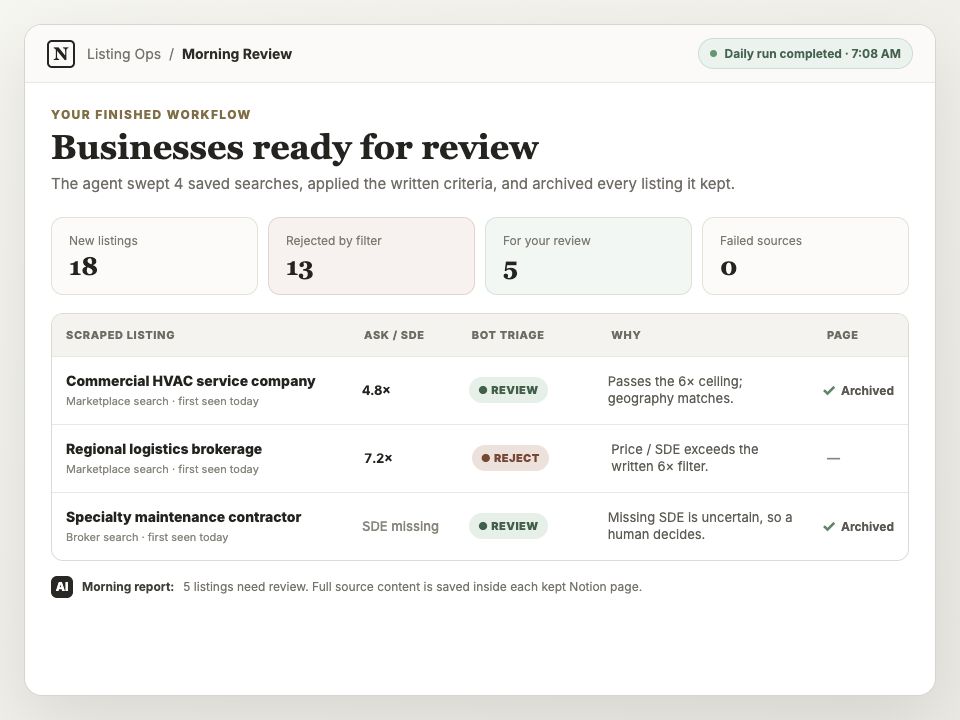
One workflow you can build: a morning review queue. This illustrative sample uses fictional listings; your queue will contain the businesses found by your saved searches.
First, connect the browser to your AI
The shared setup guide walks through the complete foundation:
- deploy Cloak Biz Scraper on Railway;
- get the CloakBrowser Pro key through its checkout email;
- generate Evomi proxy credentials and split the copied string into the four required fields;
- connect the scraper's
/mcpURL to Claude or ChatGPT with OAuth; and - prove that the AI can call
create_instanceandagent_browserin a harmless test.
Then choose a workflow
Wake up to businesses worth reviewing
The listing tutorial adds Notion, reusable search-result URLs, objective triage rules, page
archiving, and a daily Claude or ChatGPT Work schedule. Each morning the agent calls
scrape_listings, filters new listings, calls archive_page for anything it keeps or cannot
decide from the summary, and leaves a review queue.
Browse a page with anti-bot detection
The protected-site guide provides copy-and-paste prompts that tell the AI exactly which MCP and tools to use. It covers one-page reads, multi-step searches, custom instructions, archiving to Notion, CAPTCHAs, and a single bounded proxy rotation.
Open the protected-site prompt guide
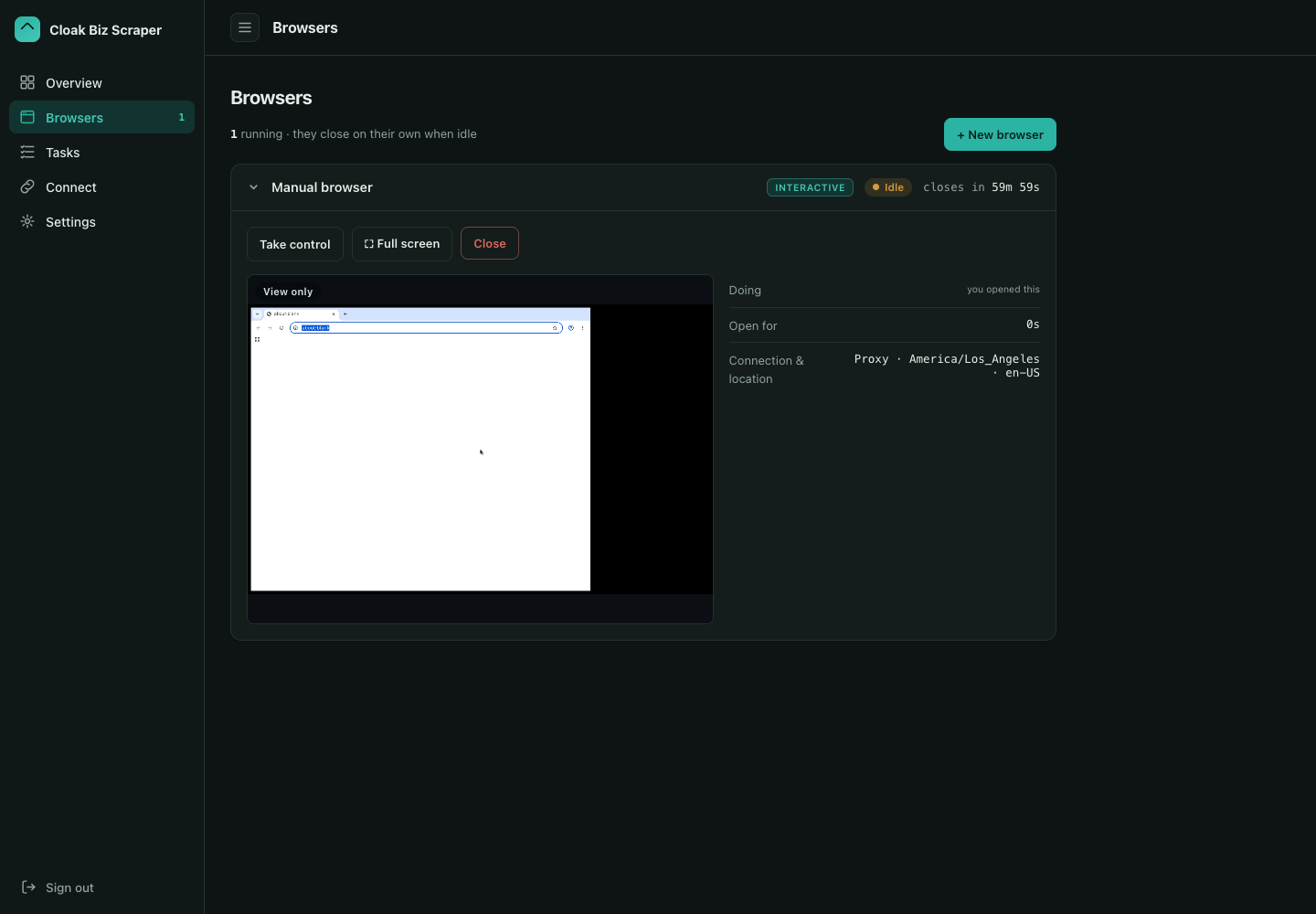
Watch and maintain it
- Monitor and take control explains the live preview, browser takeover, task history, saved evidence, and human login or CAPTCHA handoff.
- Advanced controls explains proxy-session rotation, concurrent browser limits, the task versus interactive-session mix, durable profiles, and disk cleanup.
- Daily agent runbook is the exact operating procedure to copy into Notion for the scheduled listing workflow.
Verified against the real workflow
The guides were checked against the running Pro browser and residential proxy. A one-page
BizBuySell sweep returned 50 listings with sync=false. The archive tool then saved a
synthetic page under Source Content, and Claude read that archived body back through its
Notion connector without editing it.
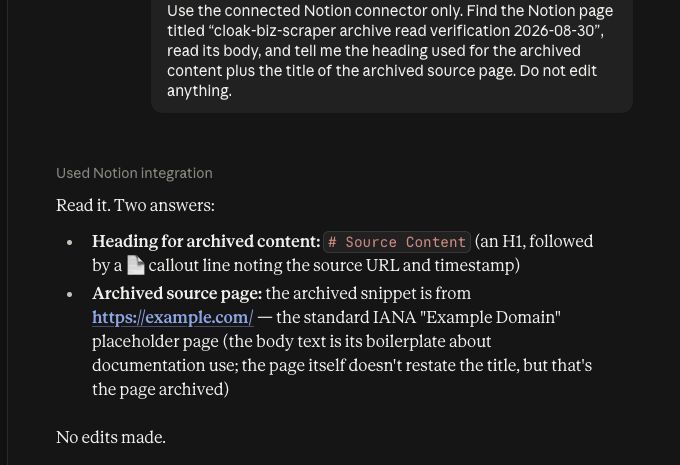
See the verification record for the test boundary and provider documentation used before publication.